Kenneth Lee Gallery
GIMP Colorize Tool
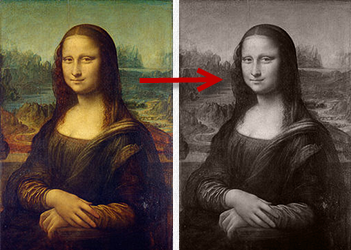
Step 1 - Make sure your image is RGB.
Select Image > Mode > RGB
 Step 2 - Open up the Colorize Tool
Select Colors > Colorize

Step 3 - Choose your color
Specify Hue to get the color you want.
Specify Saturation to get the intensity of color.
Leave Lightness at 0 to preserve the tonal scale.
Toggle the Preview option to compare with original.
Specify Saturation to get the intensity of color.
Leave Lightness at 0 to preserve the tonal scale.
Toggle the Preview option to compare with original.

Now click on the OK button.
All Done!
Get GIMP
Photoshop Users
The Photoshop provides several ways to do the same thing. For instructions, see Toned Monochrome Images with Photoshop.
More Information